Gimnazijski tutor
appdeve · Education
A Slovenian learning program for year 9 and the first year of gimnazija: 28 full units with explanations, worked examples and 241 exercises. Works offline. 30 days free with every unit; the full version costs 29.90 €.
Screenshots
Trial, full version and AI tutor
| Product | What you get | Price | Buy |
|---|---|---|---|
| Trial, 30 days | Every unit for 30 days from the first start, then the first unit of every subject. No AI tutor. | free | Download |
| Full version | Every unit, exercise and quiz, plus content updates, on up to 3 devices. Paid once, no time limit. | 29.90 € | Buy |
| AI tutor for 1 month | Add-on to the full version: 40 lessons and 300 messages a month, 31 days. | 5.99 € | Buy |
| AI tutor for 1 year | The same for 366 days, that is 4.16 € a month. | 49.90 € | Buy |
| Full version + AI tutor for 1 year | Both together, cheaper than separately (79.80 €). | 78.90 € | Buy |
Nothing renews automatically: the AI tutor lasts 31 or 366 days from payment, then you can buy it again if you wish. Final prices; VAT is not charged (Article 94(1) ZDDV-1).
Buy the full versionDescription
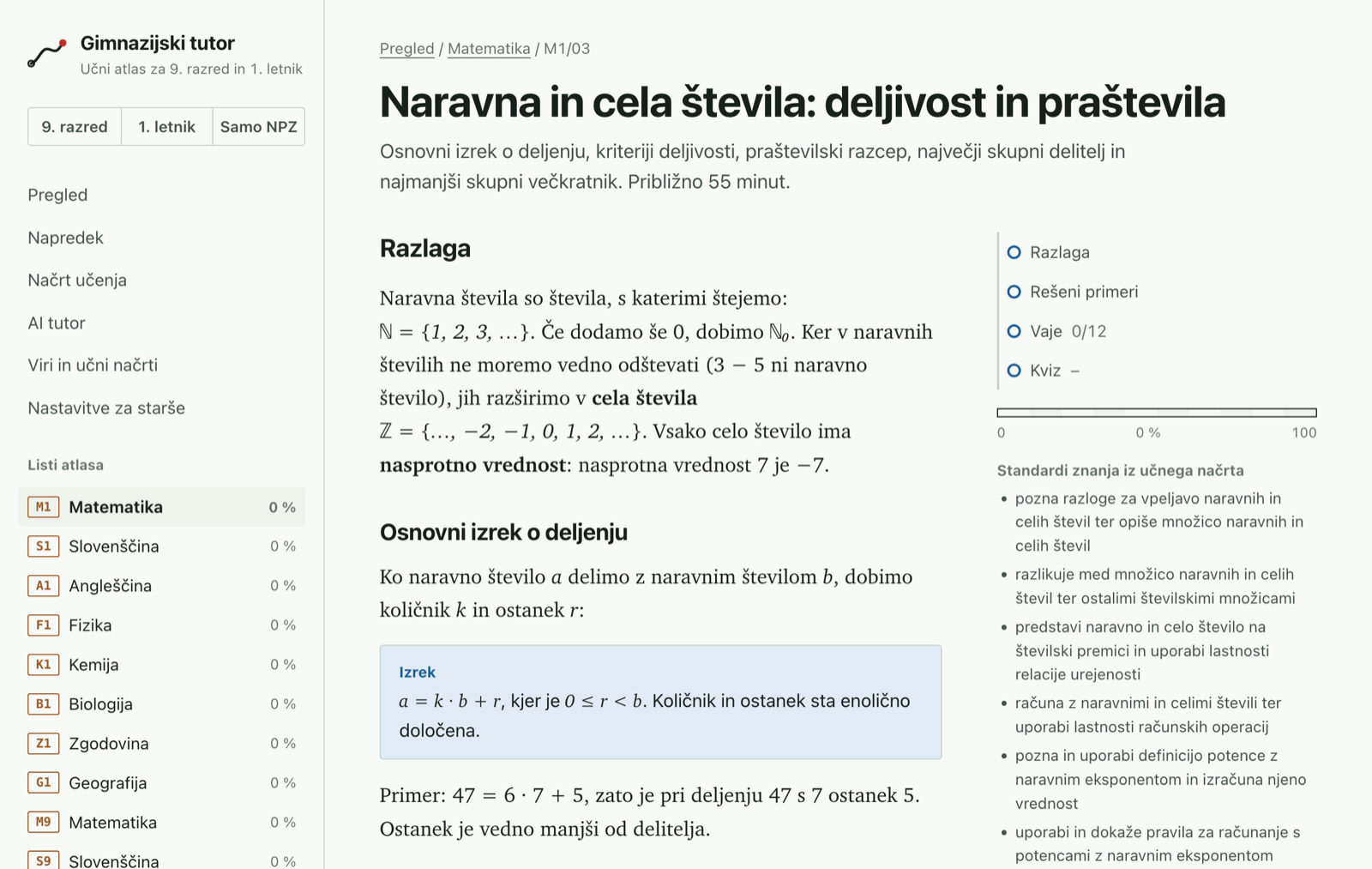
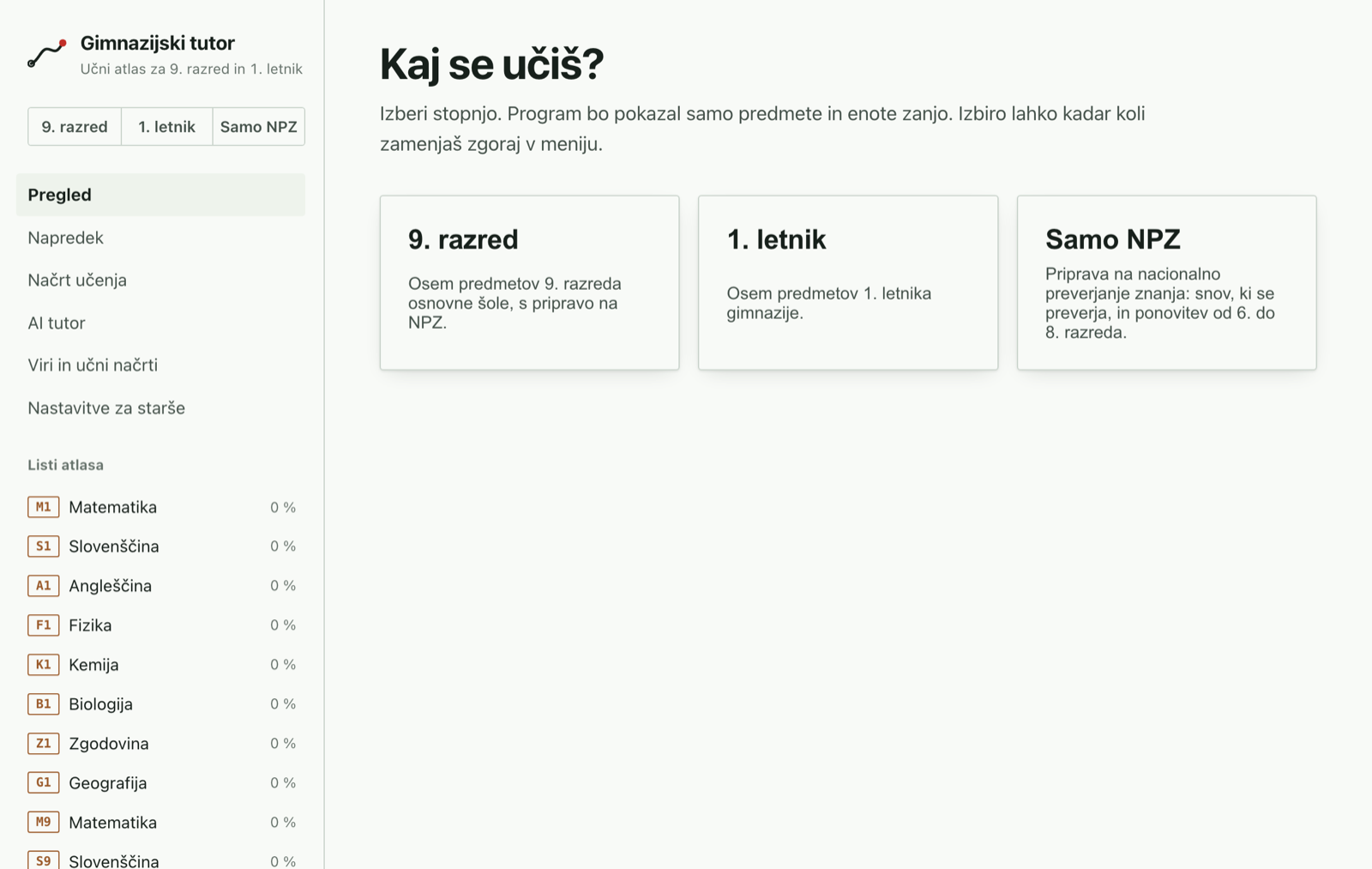
Gimnazijski tutor follows the official Slovenian curricula: year 9 of primary school with preparation for the national exam (NPZ), and the first year of gimnazija under the renewed curricula used from 2026/27.
Every full unit has an explanation, worked examples, checked exercises and a quiz. For the other topics you can add the AI tutor; it writes an explanation and exercises, which the program keeps on the device. The program is in Slovenian.
What it does
- 8 subjects for each stage
- 28 full units and 241 checked exercises
- NPZ reviews of years 6 to 8
- Progress and a study plan
- Works offline, with no account
- Settings for parents and an AI tutor by subscription
- Content updates itself
System requirements
Mac
macOS 12 Monterey or later, Intel or Apple silicon Mac
Windows
Windows 10 or 11, 64-bit
First launch
The apps are not yet signed with a paid developer certificate, so the system asks you to confirm the first launch. You do this only once.
On a Mac
- Open the downloaded .dmg file and drag the app into the Applications folder.
- On first open, macOS says it could not verify the developer. Click Done.
- Open System Settings, then Privacy & Security, and scroll down. Next to the app, click Open Anyway.
- Confirm with your password or Touch ID. From then on the app opens like any other.
On Windows
- Run the downloaded Setup .exe file.
- If “Windows protected your PC” appears, click More info, then Run anyway.
- Setup finishes by itself. You will find the program in the Start menu.
Additional information
- Publisher
- appdeve
- Price
- 29.90 €, 30 days free
- Category
- Education
- Version
- 1.2.2
- Updated
- 26 November 2026
- Size
- Mac 224.4 MB, Windows 121.8 MB
- Languages
- Slovenian
- Platforms
- Mac, Windows